 Türkçe
 English
 Deutsch
 Español
 Français
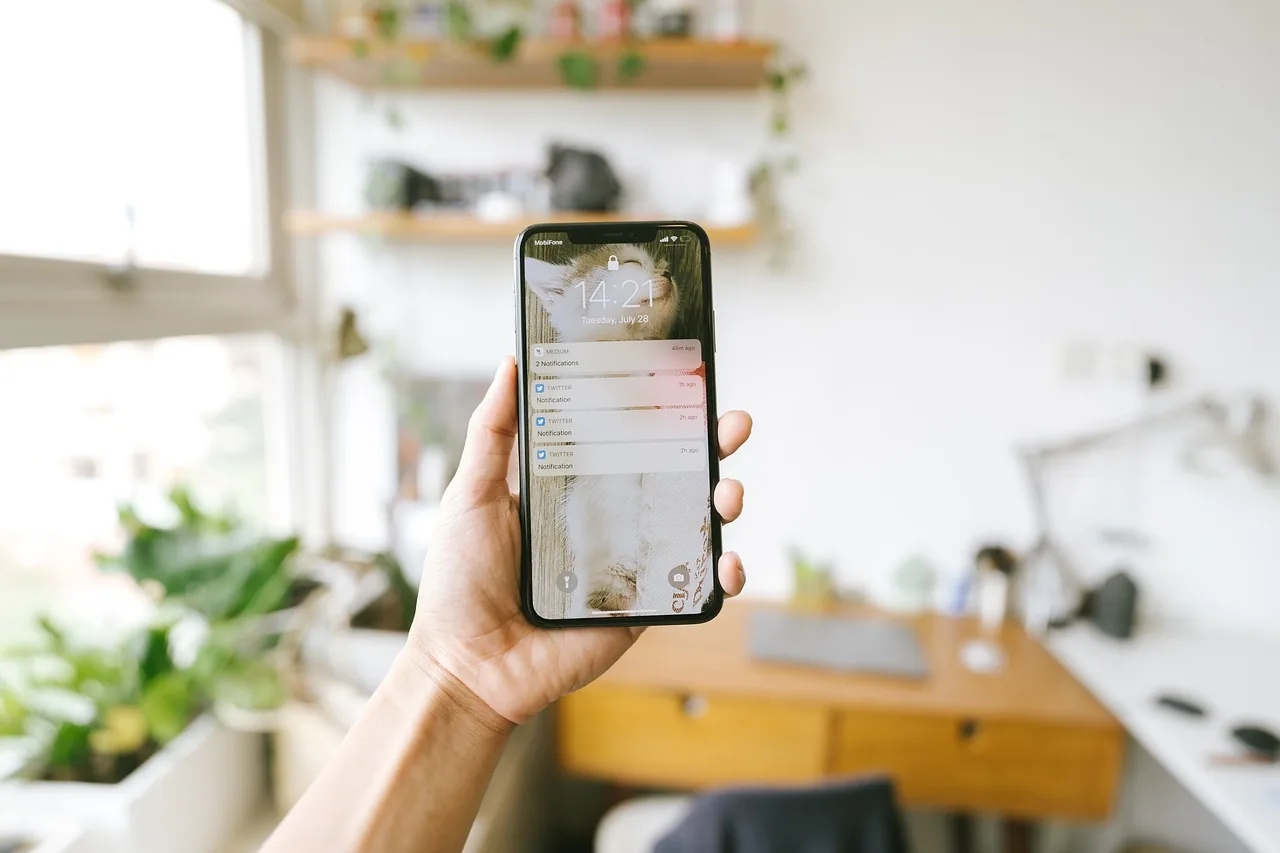
Notification center
All your notifications in one place.
Appointment requests, orders, emails, form entries and phone or WhatsApp taps no longer wait on separate pages. They all arrive in a single inbox.
Appointment requests, orders, emails, form entries and phone or WhatsApp taps no longer wait on separate pages. They all arrive in a single inbox.
Appointment requests, orders, emails, form entries, phone and WhatsApp taps, marketplace questions. All of them drop into the same list the moment they arrive, newest on top.
A small business gets dozens of small tasks every day. If each one lives in a different place, most of the day is spent hopping from one page to another. The notification center collapses that mess into one list.
Next to every item you see where it came from: a form on your site, a marketplace, email, phone or WhatsApp. You decide what to look at first, but you never have to search.
Approve the appointment, open the order, read the email, answer the form. You do not have to switch to another window or another panel. The item changes status in the list.
You connect the forms on your site, your marketplaces and your email to the panel. After that, everything that arrives drops into the list on its own. Which marketplace and appointment system you use, we settle together in a call. For marketplace and carrier connections see Integrations.
First thing in the morning you check what arrived overnight, and during the day you handle new items in a click. What arrives at night is not lost; we explain how that works on the Always-on operation page.
It is an inbox that collects everything coming from your site, marketplaces, email, forms, phone and WhatsApp in a single list. Each item shows which source it came from.
It shows appointment requests, orders, emails, form entries, quote requests, and phone and WhatsApp taps. We pin down which marketplace and appointment system you use together during the call.
Yes. The appointment request appears in the list, and you click it and confirm. You do not have to open another page.
No. The system keeps running, requests that arrive overnight are recorded, and they are waiting in the list in the morning.
The newest item is on top. Next to each item you can see when it arrived and which source it came from.
Yes. The panel fits a phone screen, so you can check and reply to notifications on the go.
Yes. All your sites sit in one panel, and you follow their notifications from one place.
There is no fixed monthly plan. Credits are deducted according to the work you have done, and some features are free. We spell out the details during the call.
Leave your number and we will call you back. We will find the right fit together.
We call you back