 Türkçe
 English
 Deutsch
 Français
 Español
SALES AND BOOKINGS
Managing Trendyol, Hepsiburada and Shipping in One Panel: A Step-by-Step Guide
How to gather orders in one list and run shipping from the same place when every marketplace has its own panel.
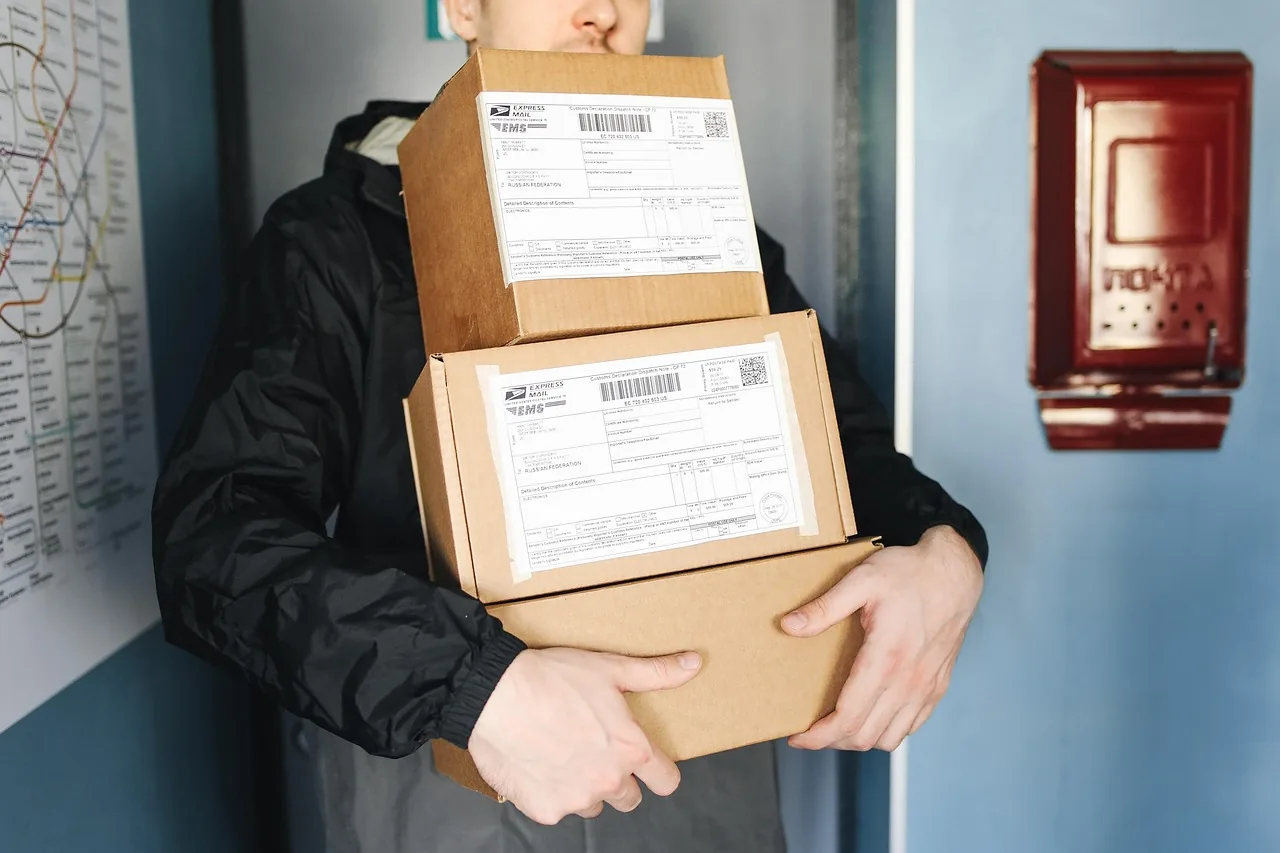
If you sell on more than one marketplace, logging in to each of them every morning eats the first hour of the day. If you connect your marketplaces and carriers to a single panel, orders are gathered in one list and shipping runs from the same place.
Why one panel?
Each marketplace has its own panel, its own notifications and its own report. Following all of them separately means missed orders, stock mix-ups and lost time. In one panel, orders, questions and shipments appear together.
Setup in 4 steps
- List your channels. Trendyol, Hepsiburada, N11, PTT AVM, Amazon, Etsy, Alibaba and your own store.
- Connect the marketplaces to the panel. We pin down which ones you use together and set up the connections.
- Choose the carrier. With the Yurtiçi, Aras and DHL integrations you prepare the shipment from the same panel.
- Track from one place. You follow the status of orders and shipments from a single list.
Is there an integration fee?
No. You do not pay a separate fee for each marketplace and carrier you connect. You can find the details on the integrations page.
Example scenario
Think of a handmade product seller who sells on three marketplaces and in their own store. Before, they logged in to four separate panels every morning and copied orders one by one. With the integrations, orders are gathered in one list and the shipping label is prepared from the same panel. The first hour of the day now goes to product photos and sales.
Frequently asked questions
Do orders from my own store appear in the same list?
Yes. Your own store’s orders sit in the same list as marketplace orders.
What if the marketplace I use is not on the list?
We pin down which marketplace you use together during the demo call.
Who does the setup?
We help you set up the connections.
Related posts

How Do You Prepare a Friday Discount Campaign Page? 7 Steps
Seven steps to prepare, publish and track a discount campaign: product choice, rate, page, image, announcement, orders and report.

6 Advantages of Taking Appointments from Your Site, and Tips for Setting It Up Right
Customers pick the time themselves, the confirmation message goes out by itself, and the calendar sits in one place. Six advantages of ta…